Cluster and Private Network
New Deliverance internal tools can run on a compute cluster and be reached through a private network. This page is intentionally high level so the docs remain safe to publish.
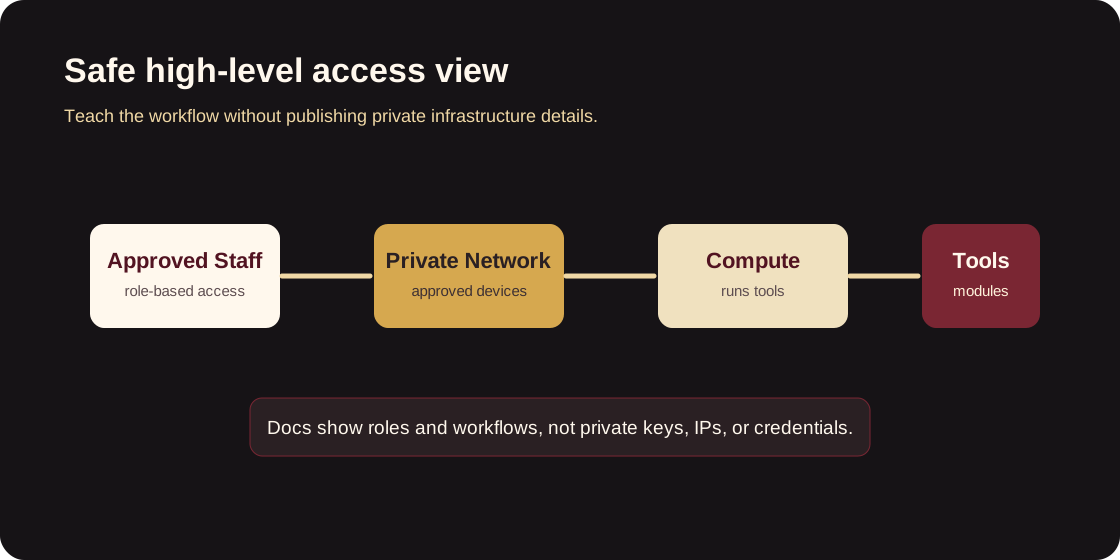
What staff need to know
- Some tools are not public websites.
- Access may require being approved for the private network.
- Tool links, access rules, and troubleshooting steps should be documented in each tool module.
- Credentials should be stored in the approved secret manager or deployment environment, never in docs.
Access request flow
- Staff member requests access from the tool owner.
- Owner confirms the staff member needs the tool.
- Technical owner grants the required network or app access.
- Staff member tests login with a non-sensitive workflow.
- Tool owner records the access in the approved internal tracker.
Troubleshooting flow
- Confirm whether the staff member is on the required network.
- Confirm the tool is expected to be running.
- Check whether the issue affects one user or everyone.
- Escalate to the technical owner with the tool name, timestamp, error message, and user impact.
Documentation standard
Each private tool module should explain how to use the tool without exposing:
- private hostnames
- private IP addresses
- auth keys
- service tokens
- database credentials
- member or donor records