Content Updates
Use this checklist for routine public site changes.
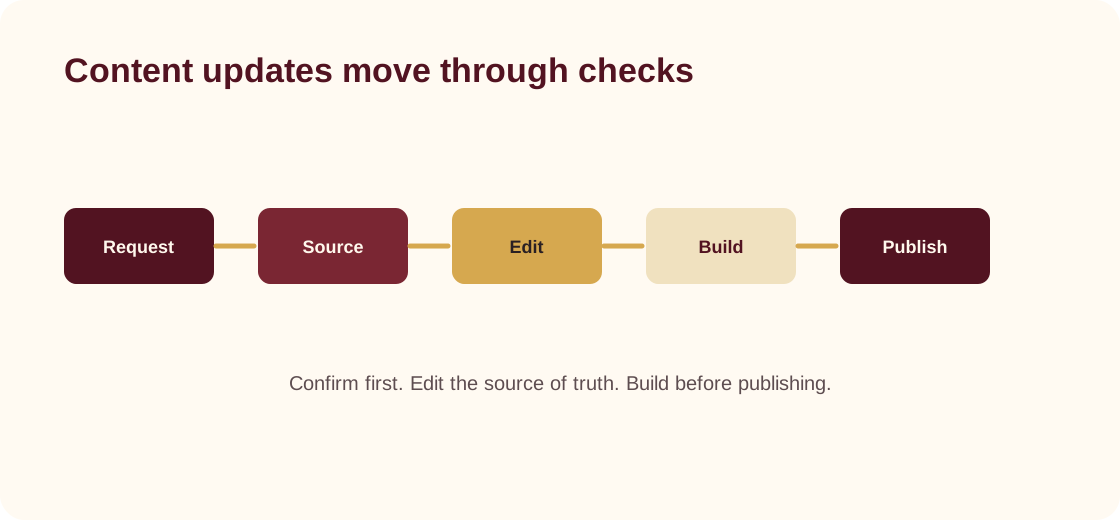
Before editing
- Confirm the exact wording, link, date, or contact detail with the ministry owner.
- Check whether the change belongs on one page or in shared content.
- Avoid adding temporary text that staff will forget to remove later.
Common updates
Service times
Edit siteConfig.serviceTimes in src/data/site.ts.
Navigation
Edit siteConfig.nav in src/data/site.ts.
Livestream and video links
Edit watchHref, watchCards, and any platform-specific social links in src/data/site.ts.
Giving links
Edit donateHref and the giving page content. If a payment provider is involved, verify the final link with the authorized finance owner before publishing.
Homepage sections
Check src/pages/index.astro first, then check the shared arrays in src/data/site.ts.
Review standard
Before a change ships, verify:
- the page builds successfully
- links open in the expected destination
- mobile layout still works
- no private information was introduced
- public language sounds like New Deliverance, not generic filler
Deployment
The marketing site already uses GitHub Actions. A push to main builds the Astro site and publishes the built files to the gh-pages branch.